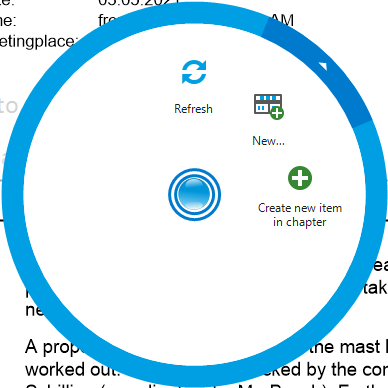
With a right-click, you open the radial menu, which gives you access to advanced settings for various elements in the protocol view.
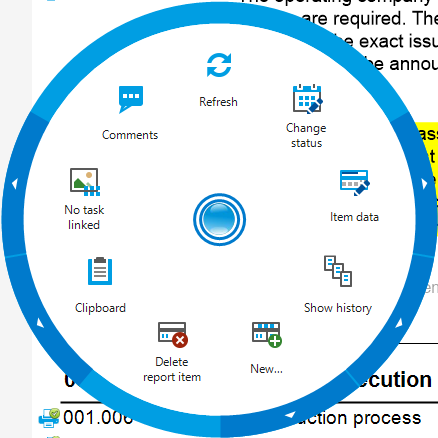
* By right-clicking on a point, you can access specific options for that area.
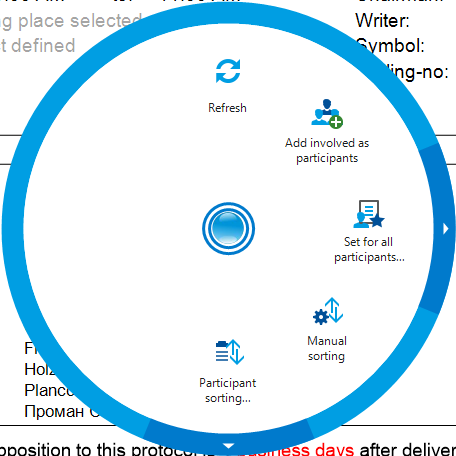
 * By right-clicking on the participant or distribution list, you open a context menu that offers various editing options for the list.
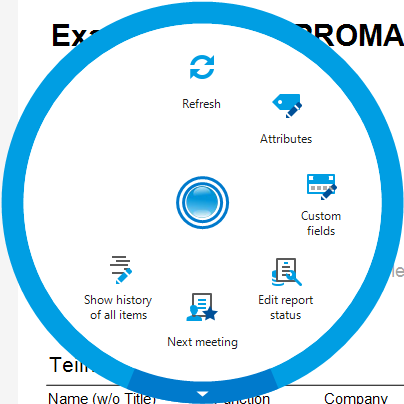
 * Right-clicking on the cover page allows access to a context menu that provides special settings and options for designing the cover page.
 * Right-clicking directly on a chapter opens the radial menu, giving you the option to create a new Report Item within this chapter.