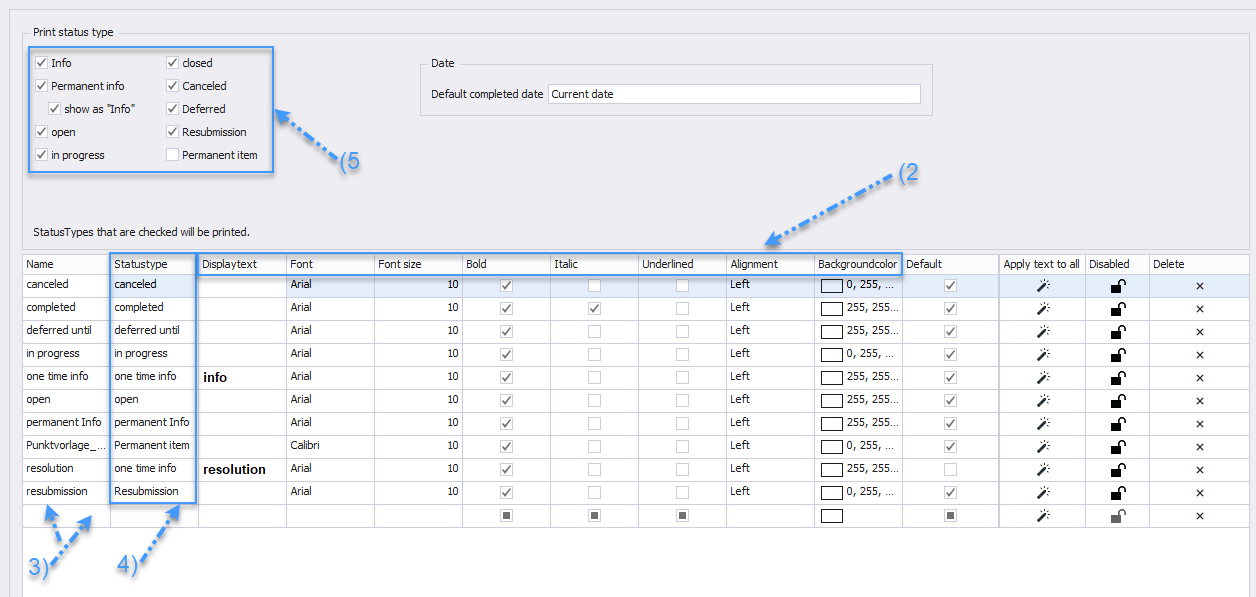
Within the **Report Item Settings for Status** (1), there are numerous options for customization.
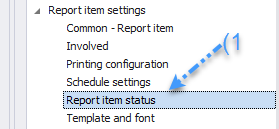 You can modify both the display text and the layout of each status according to your requirements (2). Adding a custom status is possible by clicking on the bottom empty line (3), allowing you to introduce specific labels such as "Decision," "CRQ," or "Agreement," or visualize statuses with traffic light colors (Red, Orange, Green). You can also use the checkboxes (5) to determine which status types will appear in the printouts. In the printout, the display text of the status will always be used.