Attachments can be integrated into the report in various ways:
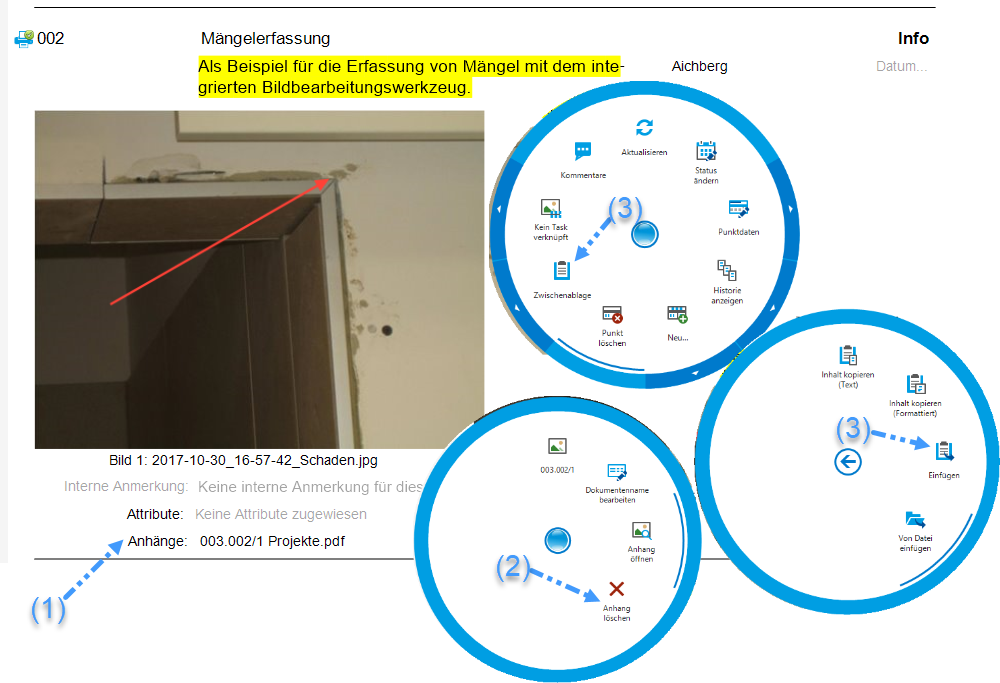
* Drag and drop the attachment directly into the desired report item in the Report Editor (1). To remove the attachment, use the corresponding option (2).
* Copy the attachment from Windows Explorer to the clipboard (3) and paste it into a specific report item using the paste icon (3).
**Note:** The drag-and-drop functionality for attachments is only available when PROMAN is installed locally on a computer. The drag-and-drop feature is not possible via a remote desktop connection ([Drag & Drop in Proman: Instructions](https://op.proman.at/projects/proman-besprechungsbericht/wiki/drag-and-drop-in-proman-anleitung)).
_ _
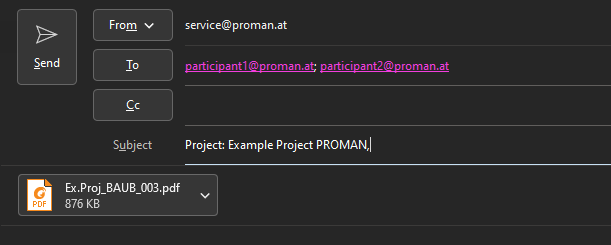
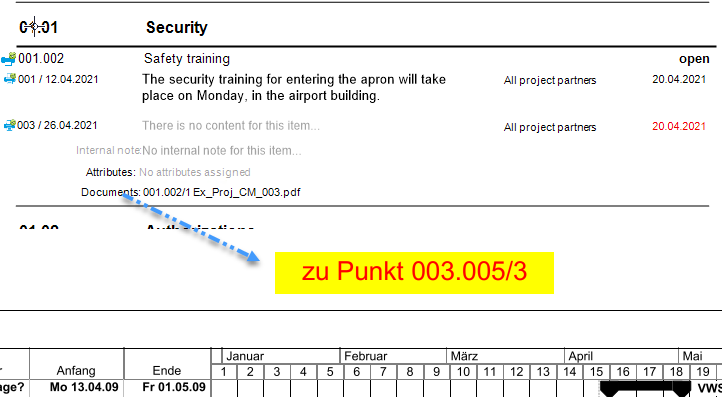
* PDF attachments are directly included when printing the report and marked with the corresponding report item number.
* Excel files, on the other hand, are automatically added as attachments when the report is sent via email.
_
* PDF attachments are directly included when printing the report and marked with the corresponding report item number.
* Excel files, on the other hand, are automatically added as attachments when the report is sent via email.