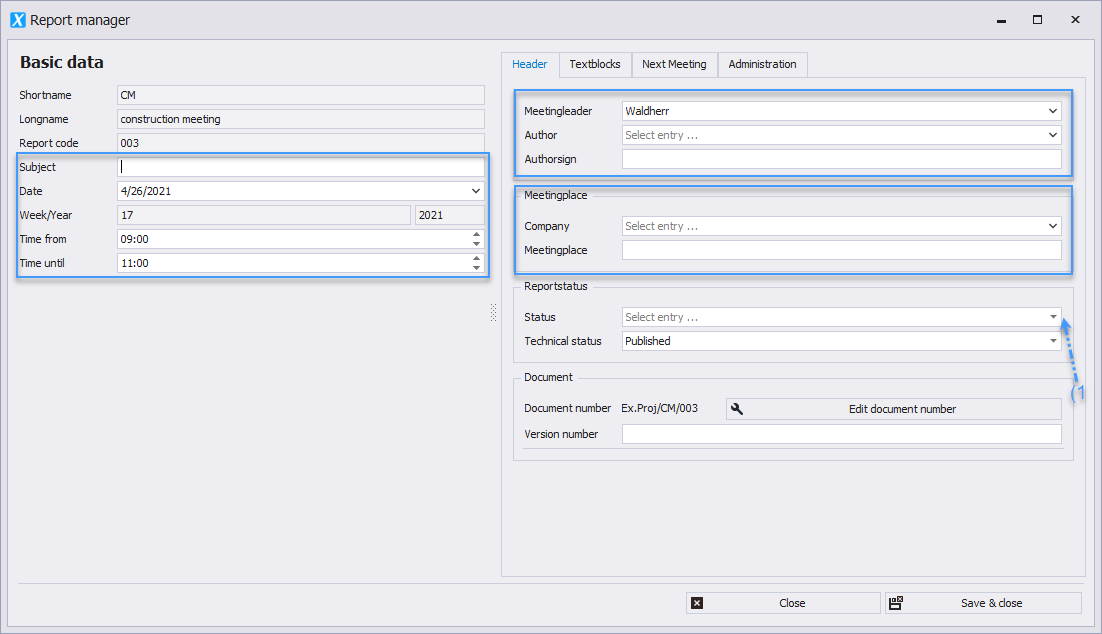
* By right-clicking on the report collection, you can create a report using the "New Report" button _(1)_.
* If reports already exist, a new report will be created that is chronologically based on the last report.
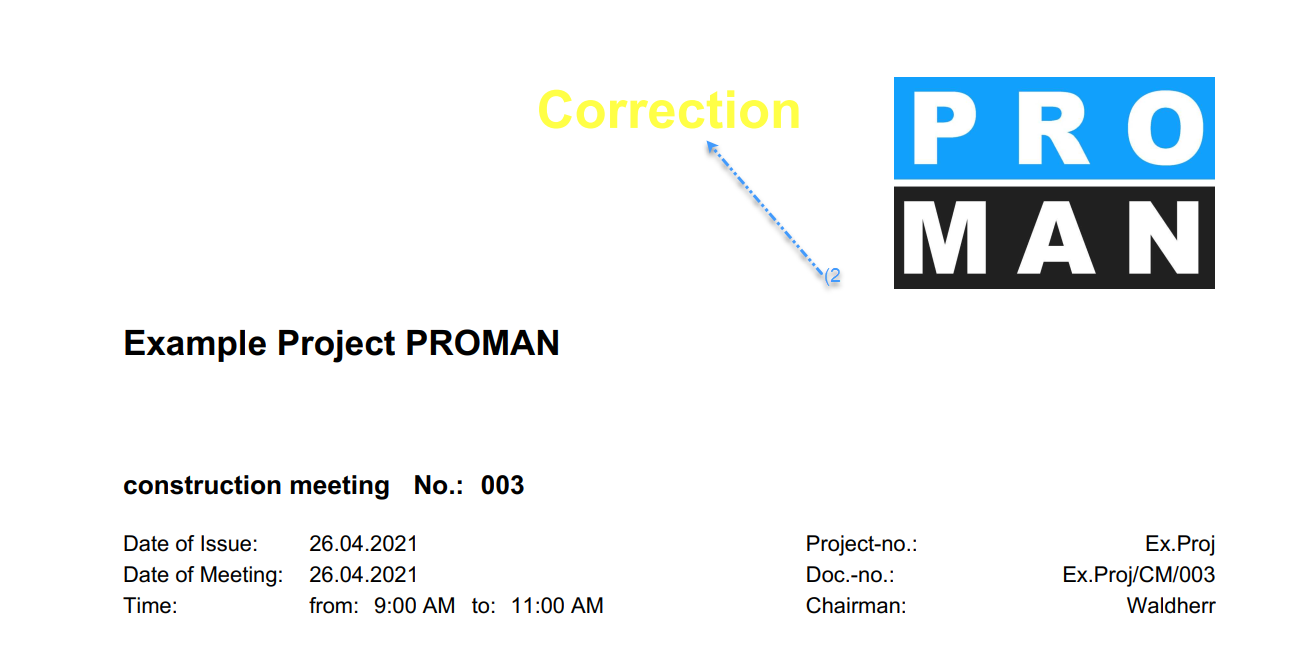
* To access the "Manage Report" screen later, select the report in the Project Explorer and right-click to choose the "Edit Report" button _(2)_.
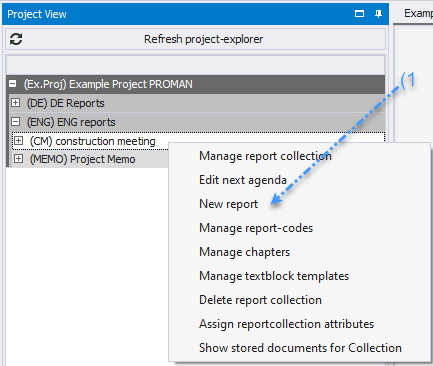
 * All fields are optional. However, if filled in, they will appear in the printout.
* Subject, date, time.
* In the Header Data tab: Leader, author, and location information.
* When creating a new report, all open items from the previous report are automatically carried over.
No items are lost; the agenda is automatically created for you.
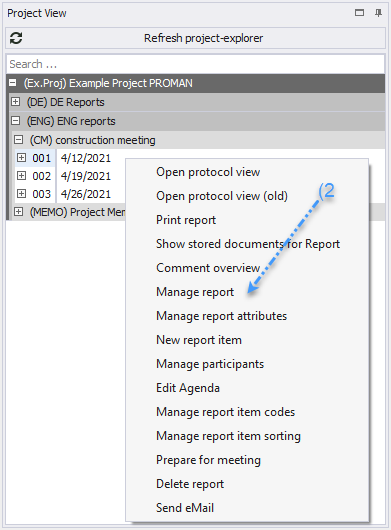
* A report status _(1)_, such as "Draft," can be set and included in the printout _(2)_.
* All fields are optional. However, if filled in, they will appear in the printout.
* Subject, date, time.
* In the Header Data tab: Leader, author, and location information.
* When creating a new report, all open items from the previous report are automatically carried over.
No items are lost; the agenda is automatically created for you.
* A report status _(1)_, such as "Draft," can be set and included in the printout _(2)_.