Inhalt
03. Report Collection
The report collection serves as a repository for all reports related to a specific topic.
To create a new report collection:
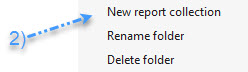
- Right-click on the project folder (1) in the Project Explorer. Select the option “New Report Collection” (2). The Report Collection Manager will open automatically.
In the Report Collection Manager, you can manage your report collections:
- Right-click on the desired report collection (3) and select “Manage Report Collection” (4) to access the Report Collection Manager directly.
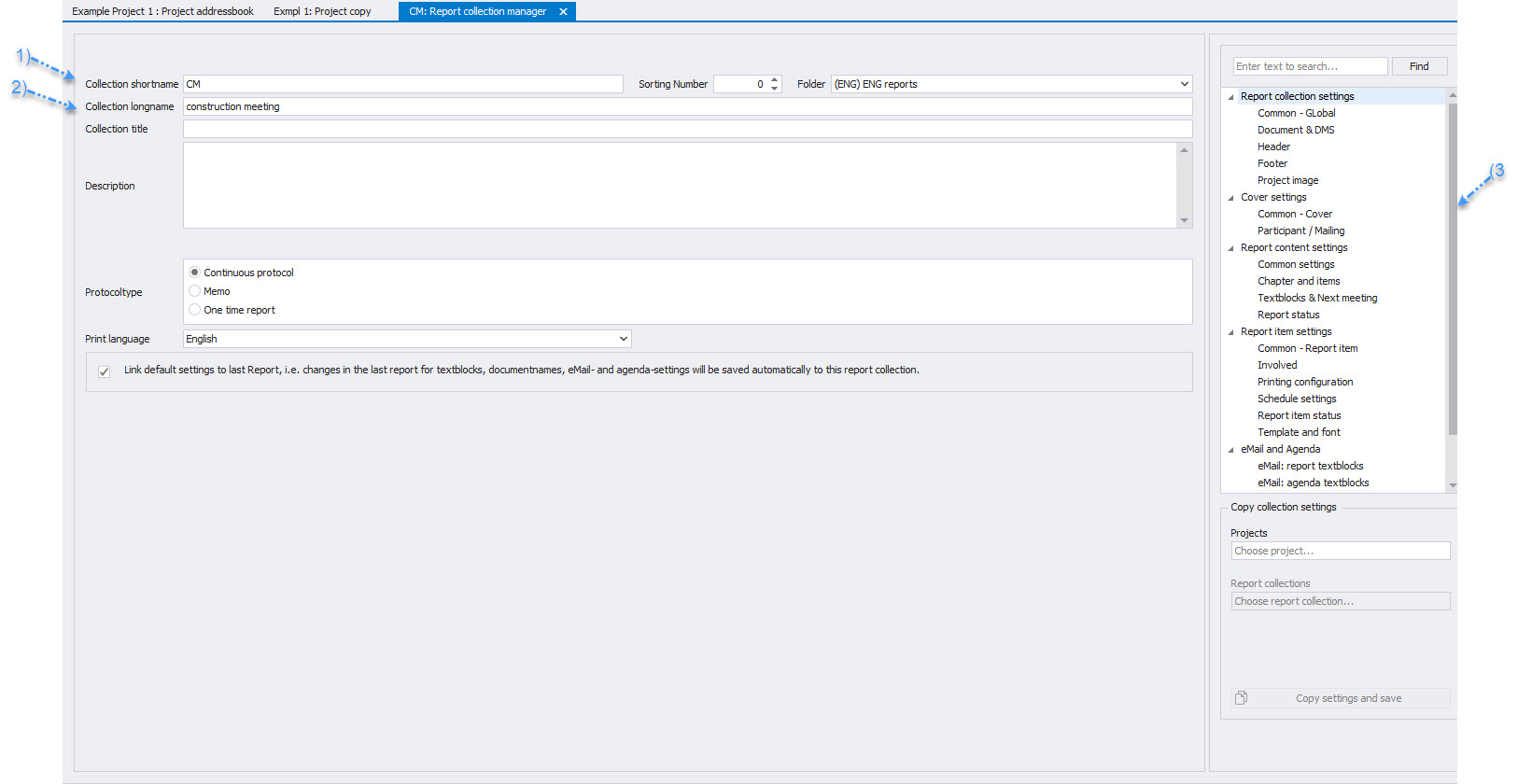
When managing the report collection in the Report Collection Circle, the following points are important:
(1) Collection Short Form: Enter a unique identification number (ID) for the circle.
(2) Collection Long Form: This field displays the name of the collection as it appears in the program.
The print settings for the report collection can be found in section 3.
(More information 5.1 Copy Report Collection Print Settings)
Document path for output (optional, only for local PromanX application):
-
This path serves as the default for PDF output. It is suggested when saving protocols in PDF format.
-
On the right side of the Report Collection Manager (1), you can set the desired document path (2).